Turtle Graphics is a way to draw pictures and shapes by telling a “turtle” (a little triangle) what to do with code. The turtle can move forward, turn, and draw lines as it moves. This is a fun and visual way to learn programming using Python!
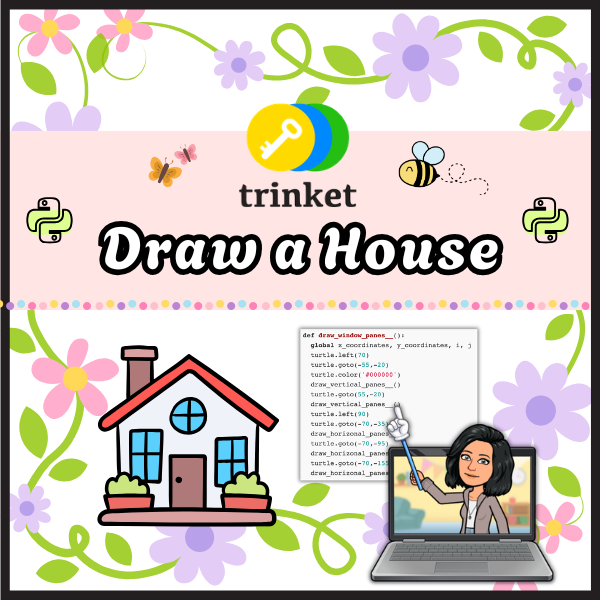
Try it out! Create a free account at Trinket.io and create a graphical representation of a building using turtle graphics. It should have a square shape, which you would make using a loop.
🔁 Drawing a Square with a Loop
To draw a square, the turtle needs to:
- Go forward (to draw a side)
- Turn 90 degrees
- Repeat 4 times to make all sides
Here is some sample code to get you started:
import turtle

# Set up the screen and turtle
t = turtle.Turtle()

# Optional: Choose a fill color
t.fillcolor("lightblue")

# Start filling in the shape
t.begin_fill()

# Draw a square
for i in range(4):
    t.forward(100)    # Move forward by 100 units
    t.right(90)       # Turn right 90 degrees

# End the fill
t.end_fill()
🎨 Filling with Color
To color your building:
- Use
t.fillcolor("yourColor") to pick a color.
- Use
t.begin_fill() before your loop.
- Use
t.end_fill() after the loop.
💡 Be Creative!
After you draw your building, you can:
- Add windows (smaller squares)
- Draw a door
- Add a roof (like a triangle)
- Use different colors
- Try
t.penup() and t.pendown() to move without drawing
Latest Posts