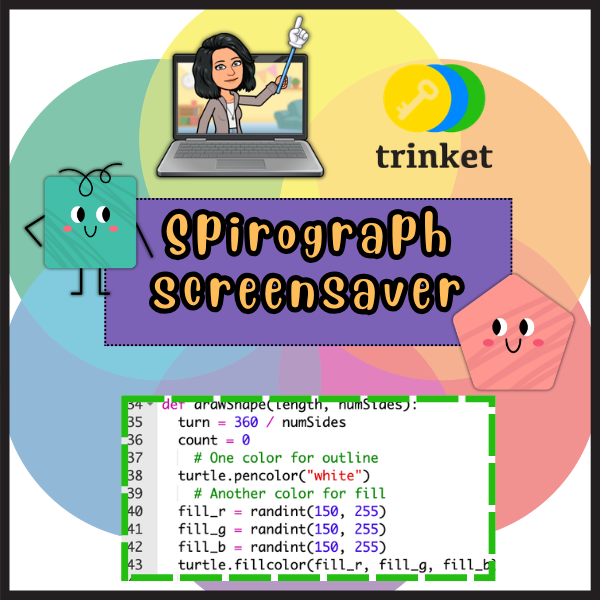
Using Python Turtle graphics and the Trinket IDE, I built a program that creates completely unique, randomly generated spirograph patterns every time it runs.
This project combines math, programming, and art into something both fun to code and beautiful to watch. And because it runs in Trinket, you don’t need to install anything. Just click the “Stop/Run” button below:
Why Spirographs?
Spirographs are a classic example of mathematical curves. They’re created by rolling one circle inside or outside another and tracing the path of a point on the circle’s edge. In programming terms, they’re a great exercise in:
- Loops: for repetitive drawing actions
- Randomness: to make each pattern unique
- Color manipulation: for eye-catching results
- Math: especially trigonometry, for calculating positions
How It Works
In my program, Python’s turtle module draws multiple overlapping shapes. Each run of the program randomly decides:
- How many shapes to draw
- The angles of rotation between shapes
- The colors used for each line
- The speed of drawing
The result? No two spirographs look the same. Every time you press run, you get an entirely new piece of generative art.
Why I Used Trinket IDE
The Trinket IDE lets you run Python code right in your browser, which means:
- No setup or downloads required
- Easy sharing – just send someone the link
- Interactive learning – you can tweak the code and instantly see changes
For creative coding projects like this, it’s perfect.
Latest Posts