Click the run button ➡️ below to create a new spirograph.
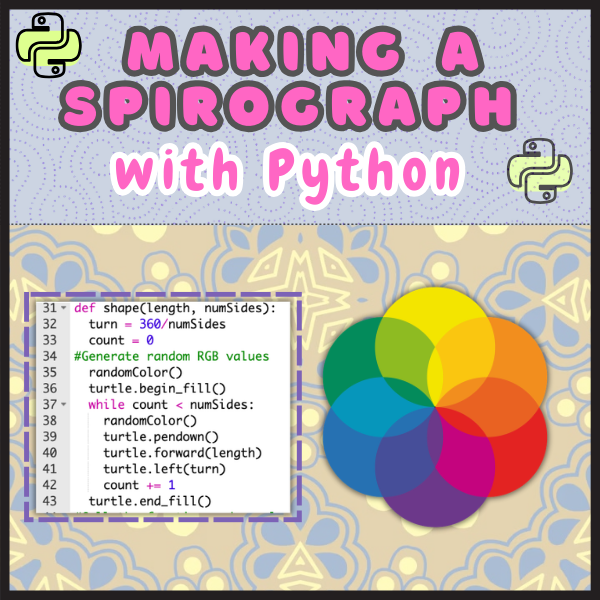
There’s something incredibly satisfying about watching code turn into art, especially when that art is unique every single time you run the program. My latest project uses Python’s Turtle Graphics in the Trinket IDE to draw a beautiful, randomly colored spirograph.
This project is beginner-friendly but still packs in some essential coding concepts:
- Functions – to keep our code clean and reusable.
- Loops – to create the repeating spirograph pattern.
- Random Color Generation – for that “no two designs are alike” effect.
Why This Project Is Great for Learning
Turtle Graphics is a fantastic way to visualize programming concepts. Instead of staring at abstract text outputs, you can see your logic at work. By combining loops with random color choices, the spirograph turns into a dynamic piece of generative art.
The Fun Part: Randomness in Action
Every time you run the program, you’ll get a completely new set of colors and patterns. This unpredictability keeps coding exciting. It’s like unwrapping a little surprise with each run.
Try It Yourself!
You can run this project right in your browser using the Trinket IDE — no downloads required. All you need is an internet connection and your imagination.
Whether you’re teaching Python, learning it yourself, or just looking for a creative coding break, this project blends logic, math, and art into one satisfying activity.
Latest Posts