
READTHINKCODE / HANDS-ON LEARNING
CircuitBytes
Small Projects. Big Discoveries.
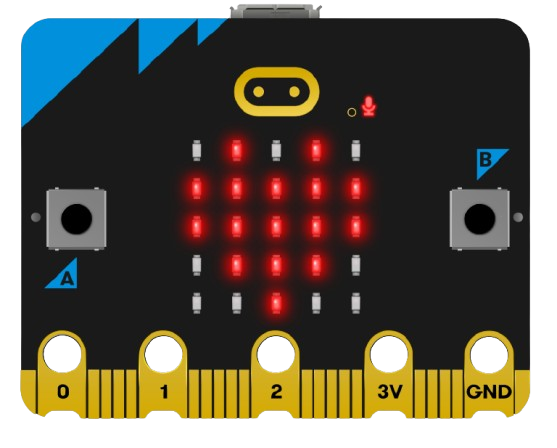
Quick, beginner-friendly physical computing lessons with the BBC micro:bit. Learn to connect and program sensors, servos, LEDs, and other components using Microsoft MakeCode.
Explore CircuitBytes
GET STARTED
How CircuitBytes Work
01
Choose a project
Pick a short lesson featuring a micro:bit sensor or component.
02
Connect the hardware
Follow the wiring guide and gather the listed materials.
03
Code in MakeCode
Use beginner-friendly blocks to control your project.
04
Test and explore
Run your program, observe what happens, and try a new idea.
PROJECT LIBRARY
Explore the CircuitBytes Collection
Start with one device or feature, then build your skills project by project.
Light Up a NeoPixel Strip
Explore color and repetition by controlling a strip of LEDs.
Project in developmentDetect a Shake
Use a built-in micro:bit sensor to trigger an action when shaken.
Project in developmentMade for classrooms, libraries, and makerspaces
Clear instructions, simple wiring diagrams, example code, and visuals help beginners connect coding to the real world.